Event Managment
Event Managment
Here Why You
Seamless Integrations
Need Us On Your Events
Nubien comes with dedicated support to help you launch and maintain your site without friction.
Effortlessly connect with your favorite tools. Whether it's your CRM, email marketing platform.




Event Host
Event Host
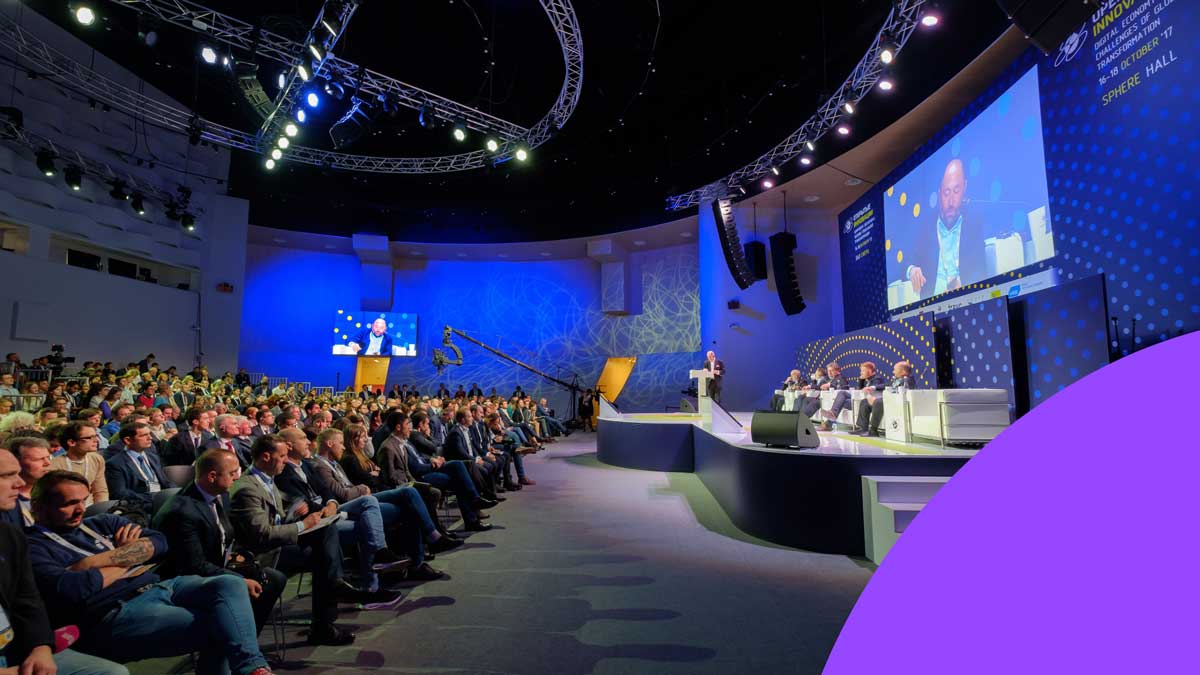
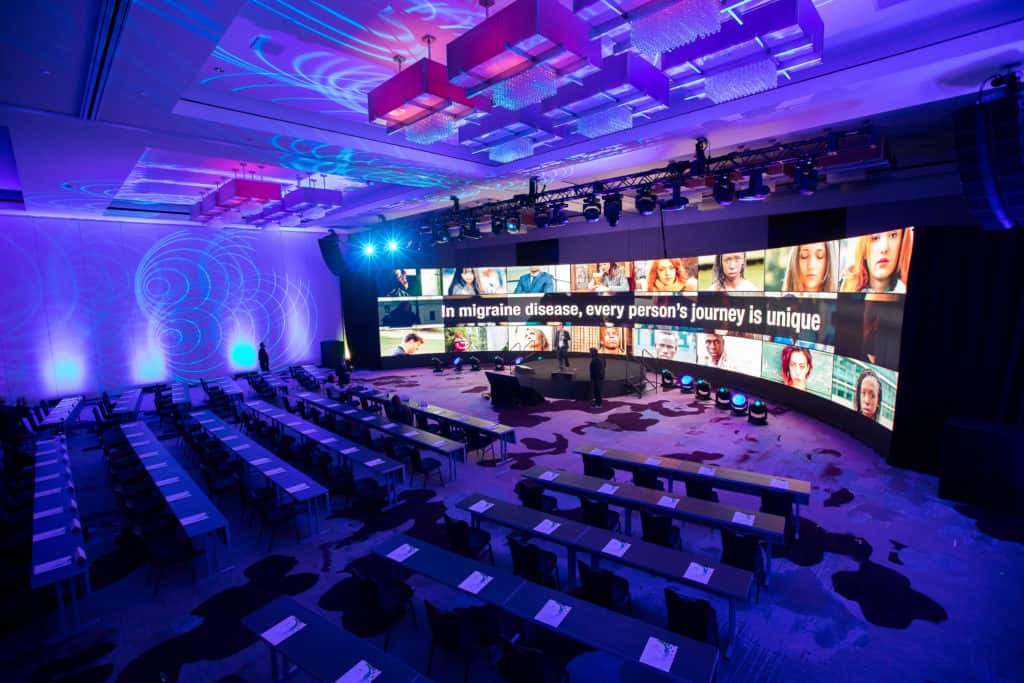
Stage & Lighting
Stage & Lighting
Staffing Solution
Get timely answers to your questions.

Staffing Solution
Get timely answers to your questions.
Staffing Solution
Get timely answers to your questions.
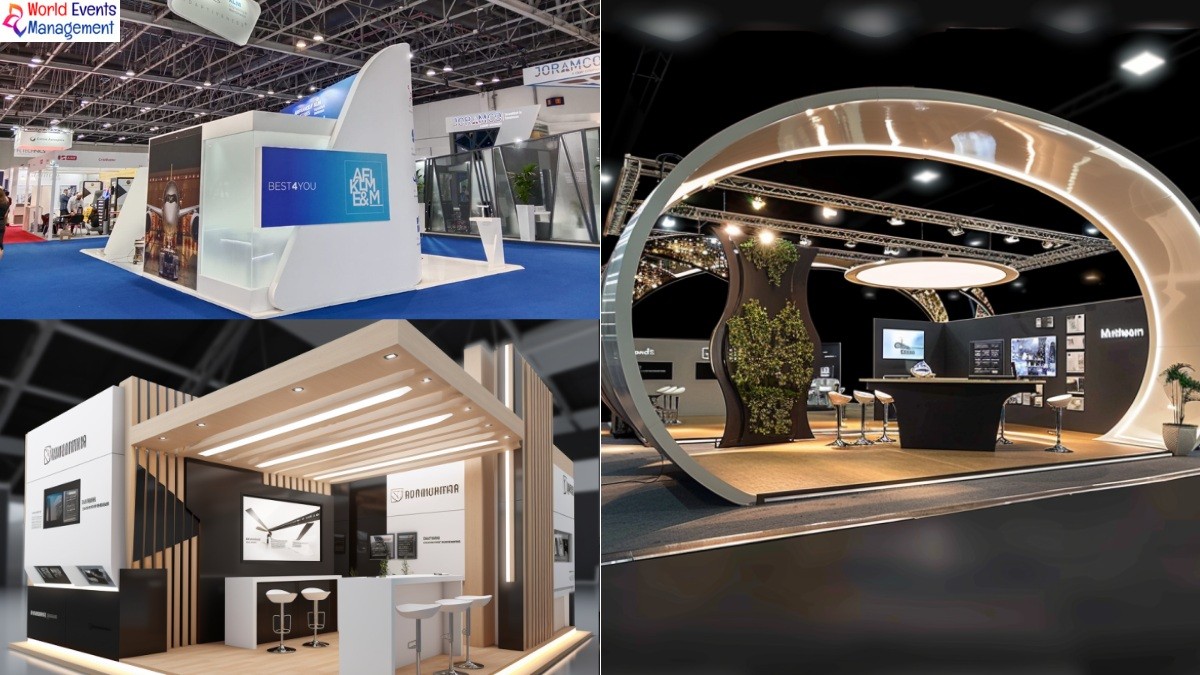
Event Setup
Whether corporate, luxury we exicute with excellence
Event Setup
Whether corporate, luxury we exicute with excellence
Event Setup
Whether corporate, luxury we exicute with excellence
24*7 Support
Support doesn’t stop Anytime
24*7 Support
Support doesn’t stop Anytime
24*7 Support
Support doesn’t stop Anytime




How do I draw Frames?
To draw a Frame, click on Layout in the Toolbar, then select Frame. Now, you can click and drag anywhere on the Canvas.
How do I add images?
To add an image, select any Frame, and either double-click on it, or go to the Fill property. In the Fill property, switch to the image icon. Here, you can upload images.
How do I add videos?
To add a video to your site, click the “Insert” button and navigate to the “Media” section. Then, drag and drop a video component onto the Canvas.
How do I draw Frames?
To draw a Frame, click on Layout in the Toolbar, then select Frame. Now, you can click and drag anywhere on the Canvas.
How do I add images?
To add an image, select any Frame, and either double-click on it, or go to the Fill property. In the Fill property, switch to the image icon. Here, you can upload images.
How do I add videos?
To add a video to your site, click the “Insert” button and navigate to the “Media” section. Then, drag and drop a video component onto the Canvas.
How do I draw Frames?
To draw a Frame, click on Layout in the Toolbar, then select Frame. Now, you can click and drag anywhere on the Canvas.
How do I add images?
To add an image, select any Frame, and either double-click on it, or go to the Fill property. In the Fill property, switch to the image icon. Here, you can upload images.
How do I add videos?
To add a video to your site, click the “Insert” button and navigate to the “Media” section. Then, drag and drop a video component onto the Canvas.
Event Managment
Event Managment
Here Why You
Seamless Integrations
Need Us On Your Events
Nubien comes with dedicated support to help you launch and maintain your site without friction.
Effortlessly connect with your favorite tools. Whether it's your CRM, email marketing platform.
Event Host
Event Host
Stage & Lighting
Stage & Lighting
Staffing Solution
Get timely answers to your questions.
Staffing Solution
Get timely answers to your questions.
Staffing Solution
Get timely answers to your questions.
Event Setup
Whether corporate, luxury we exicute with excellence
Event Setup
Whether corporate, luxury we exicute with excellence
Event Setup
Whether corporate, luxury we exicute with excellence
24*7 Support
Support doesn’t stop Anytime
24*7 Support
Support doesn’t stop Anytime
24*7 Support
Support doesn’t stop Anytime
How do I draw Frames?
To draw a Frame, click on Layout in the Toolbar, then select Frame. Now, you can click and drag anywhere on the Canvas.
How do I add images?
To add an image, select any Frame, and either double-click on it, or go to the Fill property. In the Fill property, switch to the image icon. Here, you can upload images.
How do I add videos?
To add a video to your site, click the “Insert” button and navigate to the “Media” section. Then, drag and drop a video component onto the Canvas.
How do I draw Frames?
To draw a Frame, click on Layout in the Toolbar, then select Frame. Now, you can click and drag anywhere on the Canvas.
How do I add images?
To add an image, select any Frame, and either double-click on it, or go to the Fill property. In the Fill property, switch to the image icon. Here, you can upload images.
How do I add videos?
To add a video to your site, click the “Insert” button and navigate to the “Media” section. Then, drag and drop a video component onto the Canvas.
How do I draw Frames?
To draw a Frame, click on Layout in the Toolbar, then select Frame. Now, you can click and drag anywhere on the Canvas.
How do I add images?
To add an image, select any Frame, and either double-click on it, or go to the Fill property. In the Fill property, switch to the image icon. Here, you can upload images.
How do I add videos?
To add a video to your site, click the “Insert” button and navigate to the “Media” section. Then, drag and drop a video component onto the Canvas.